Amazing Google Earth
Google Earth is a great tool work as Geo-browser that accesses satellite and aerial imagery, ocean bathymetry, and other geographic data over the internet.
Main content of Google Earth
First of all, this is the side bar button. By clicking the side bar button leg, you can move or show the side bar.
After this, the next option is Add Placemark option. With its help, we can add Placemark. And can also give Placemark the desired name and style.
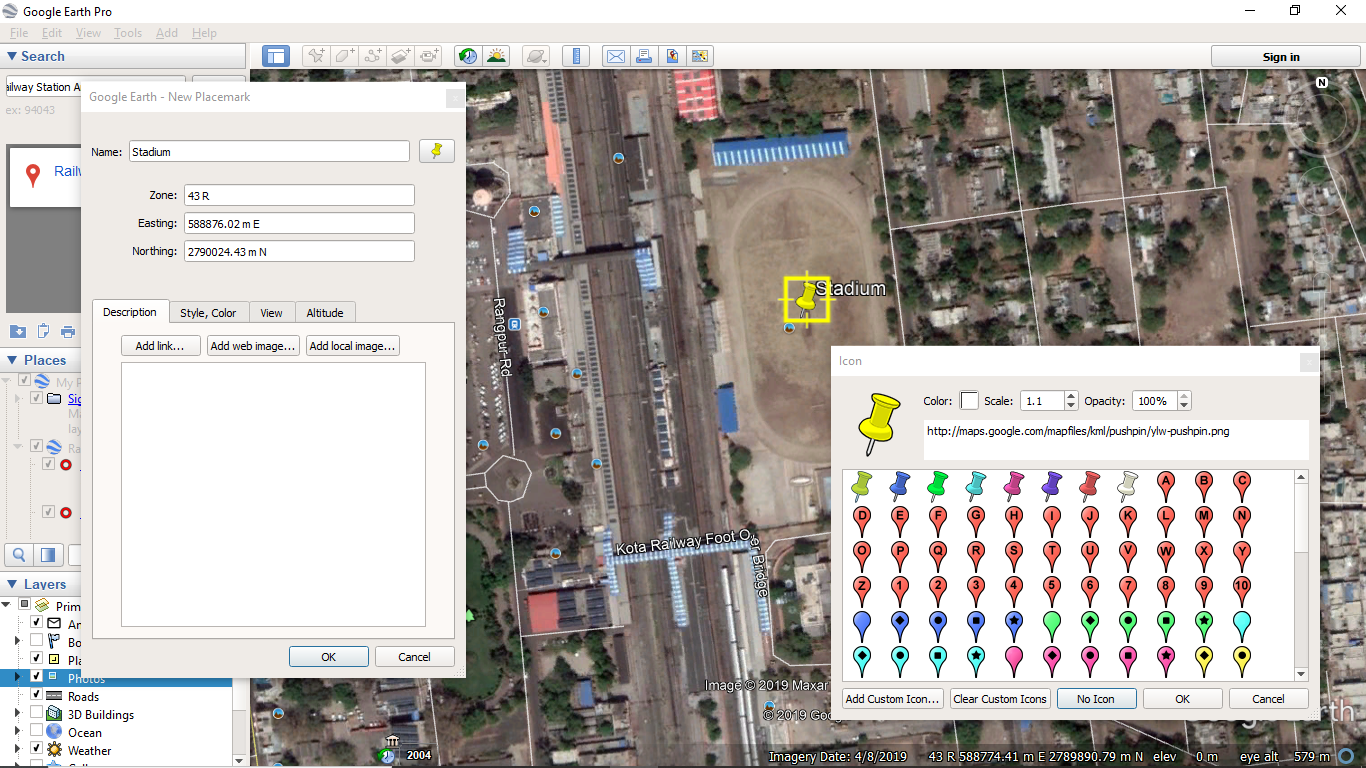
While adding Placemark, we can also insert the Lat-Long or UTM Coordinate of the point.
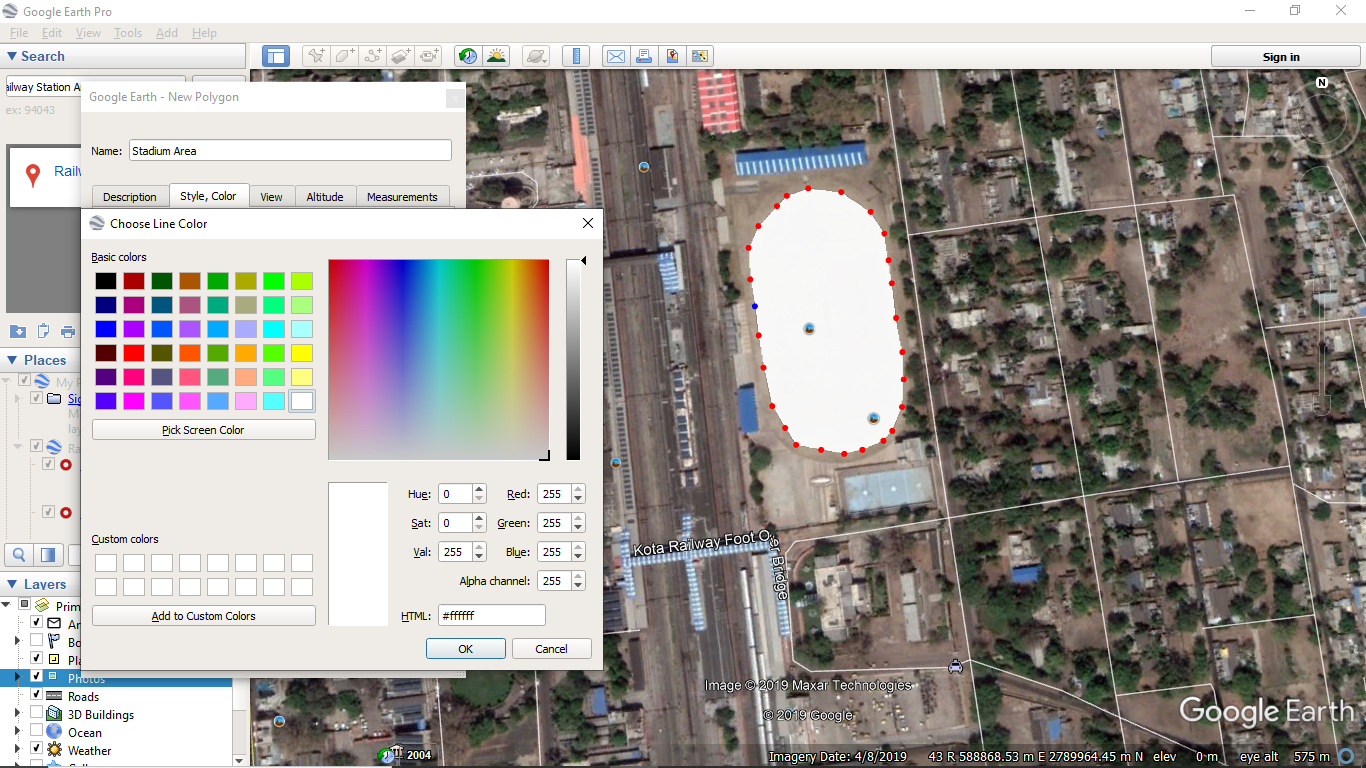
The next option is Add Polygon.
Using this, we can make polygons in Google Earth. Also you can give that polygon the desired color.
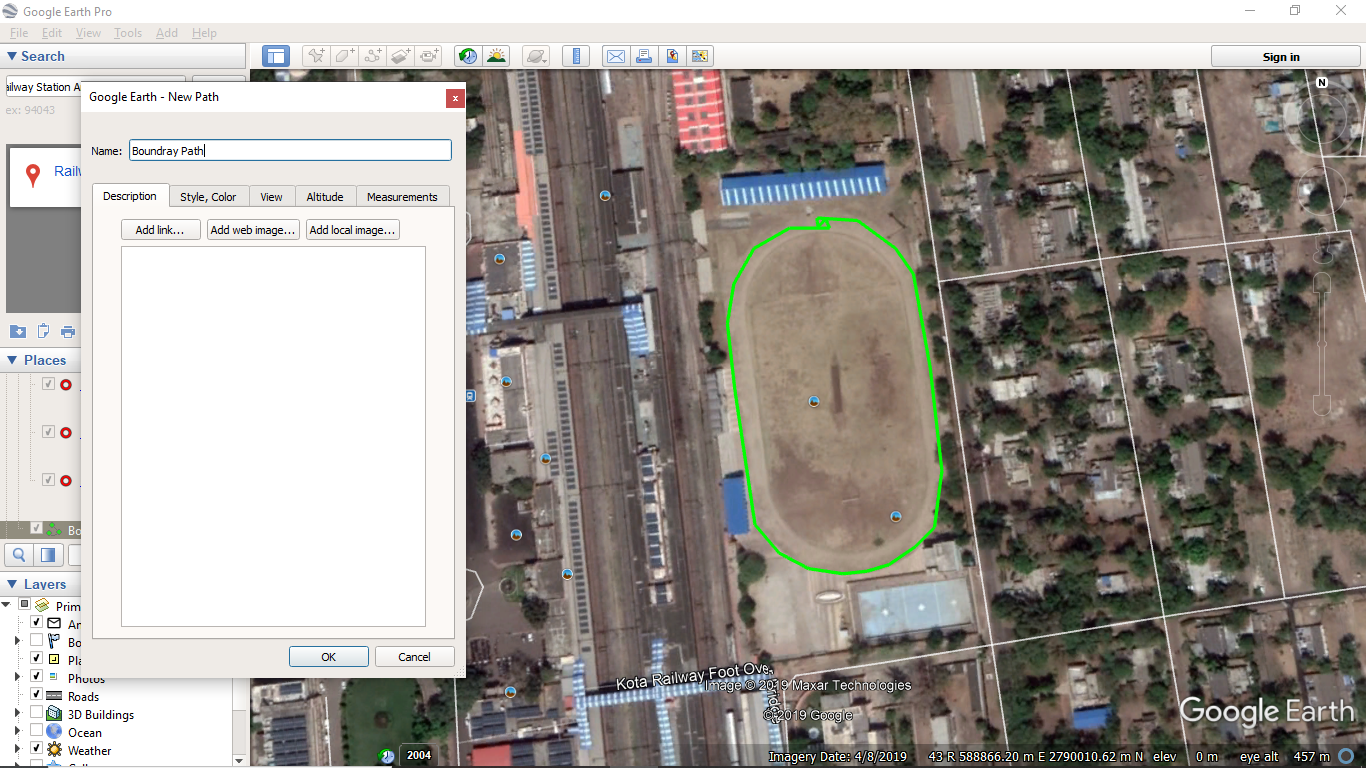
Like Add Polygon, the next option is Add Path. With the help of Add Path, we can create and make Path in Google Earth.
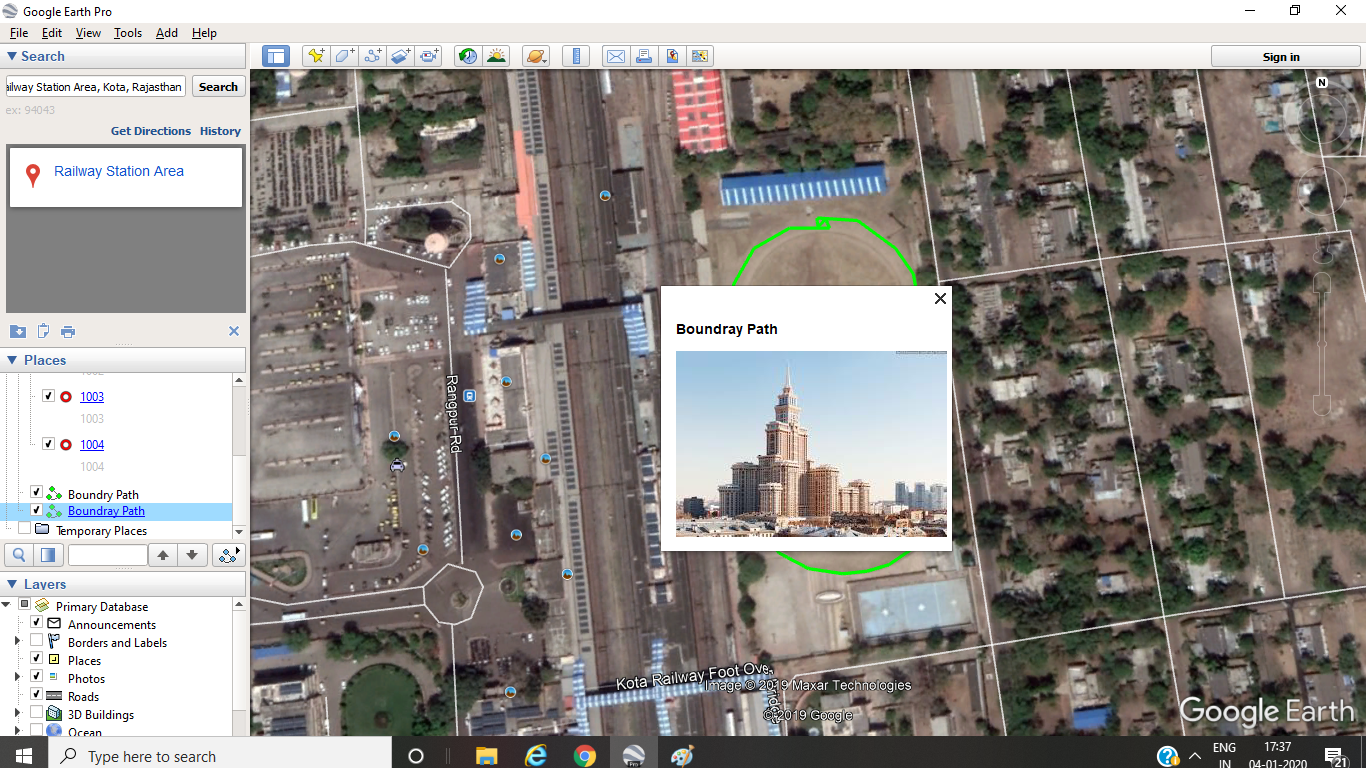
Add Placemark, Add Polygon and Add Path, all of these Image / Picture, information about the place and web-link can also be added.
The next option is very interesting. Historical Imagery / Timeline. You can view the image of the same place by changing the time.
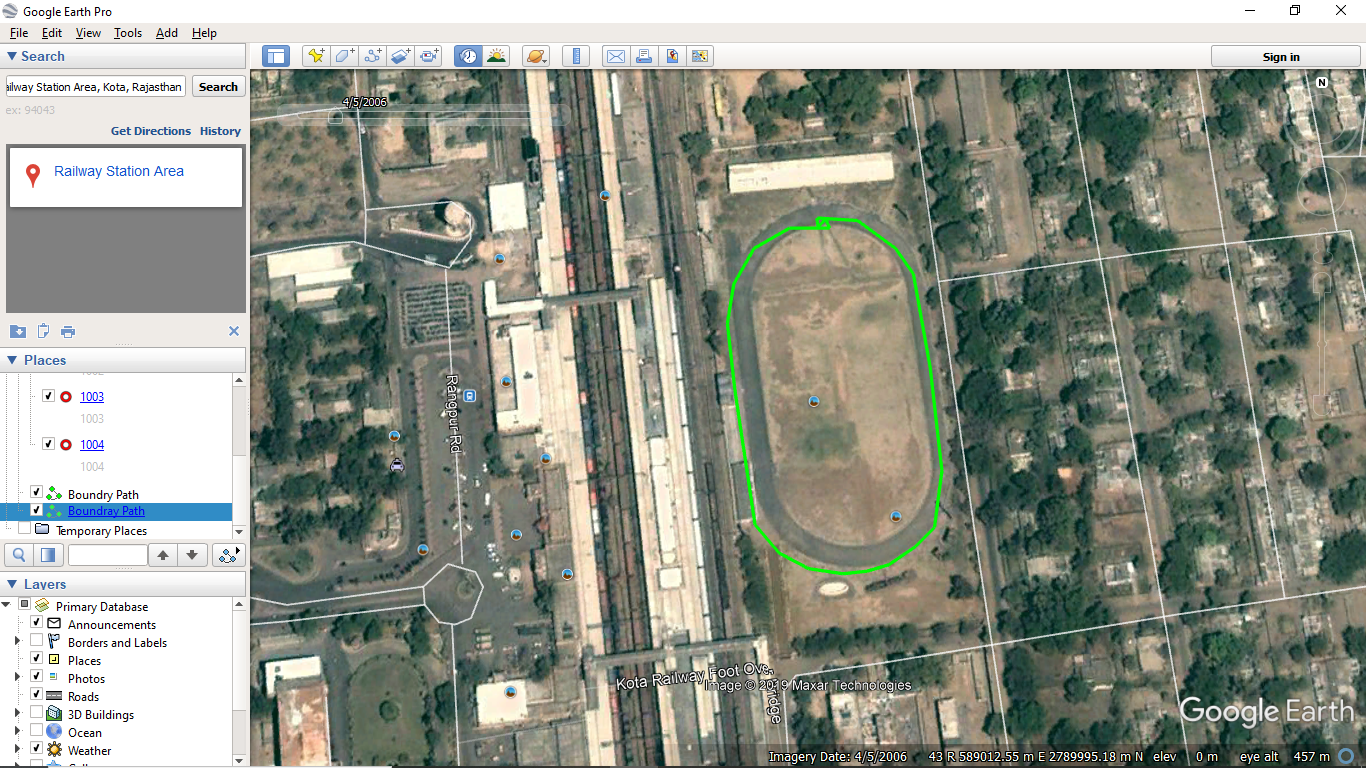
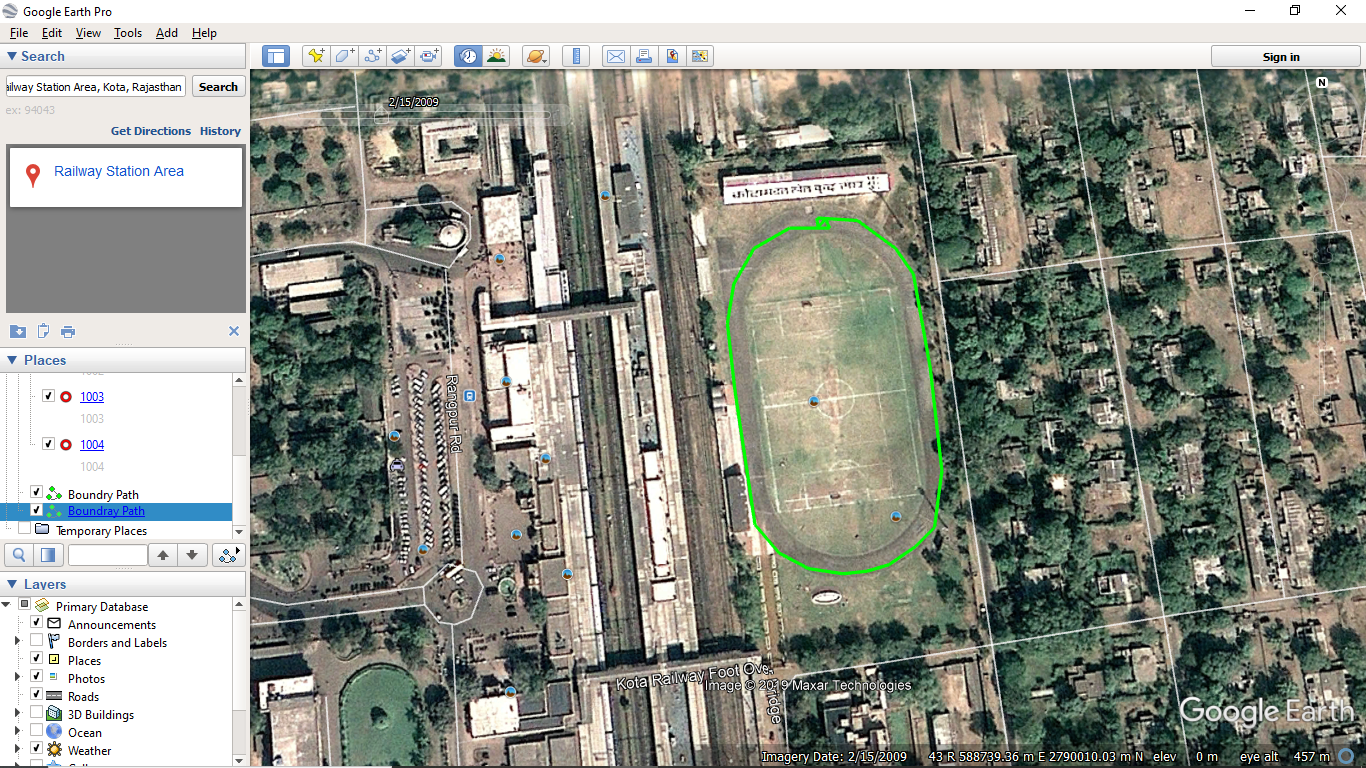
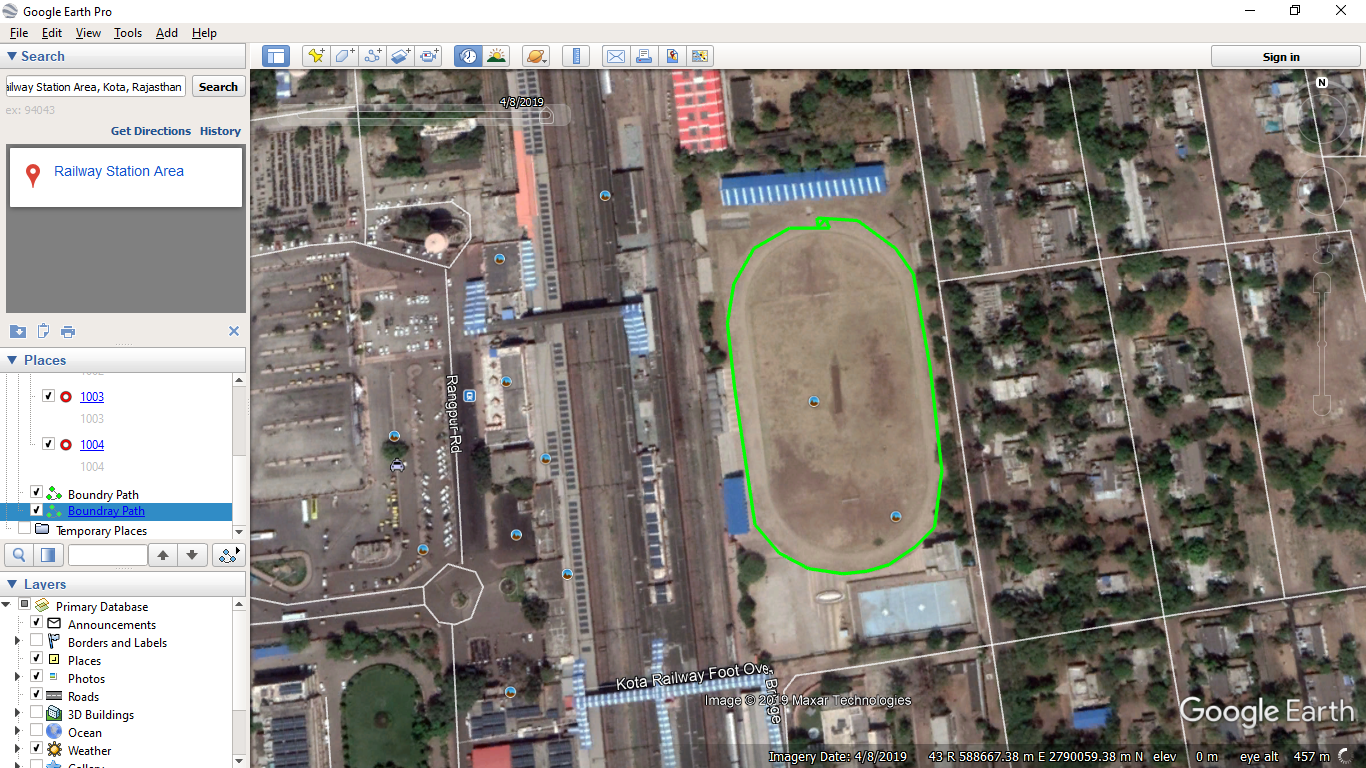
After this, by clicking the tool you are looking for, there are very good information about
Sky Constellation, Mars and Moon.
This is great for those who like space science.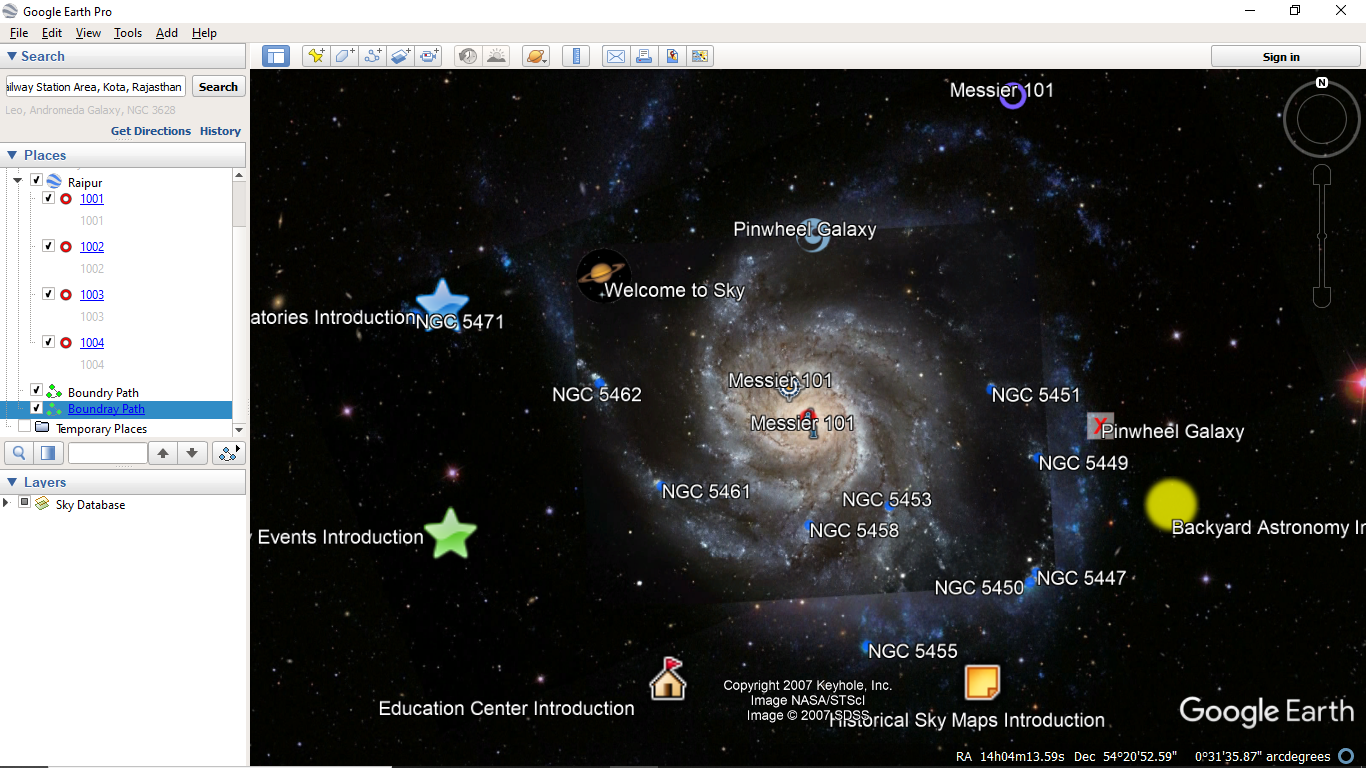
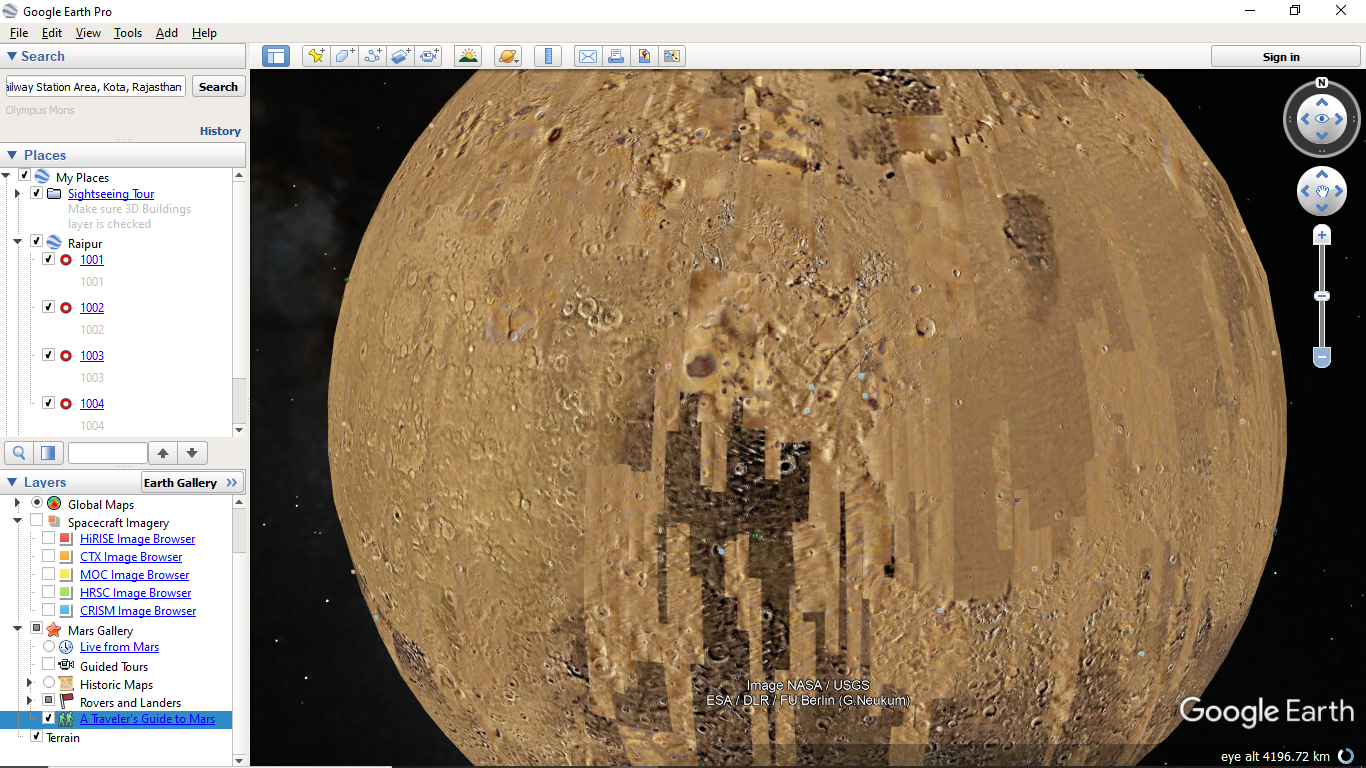
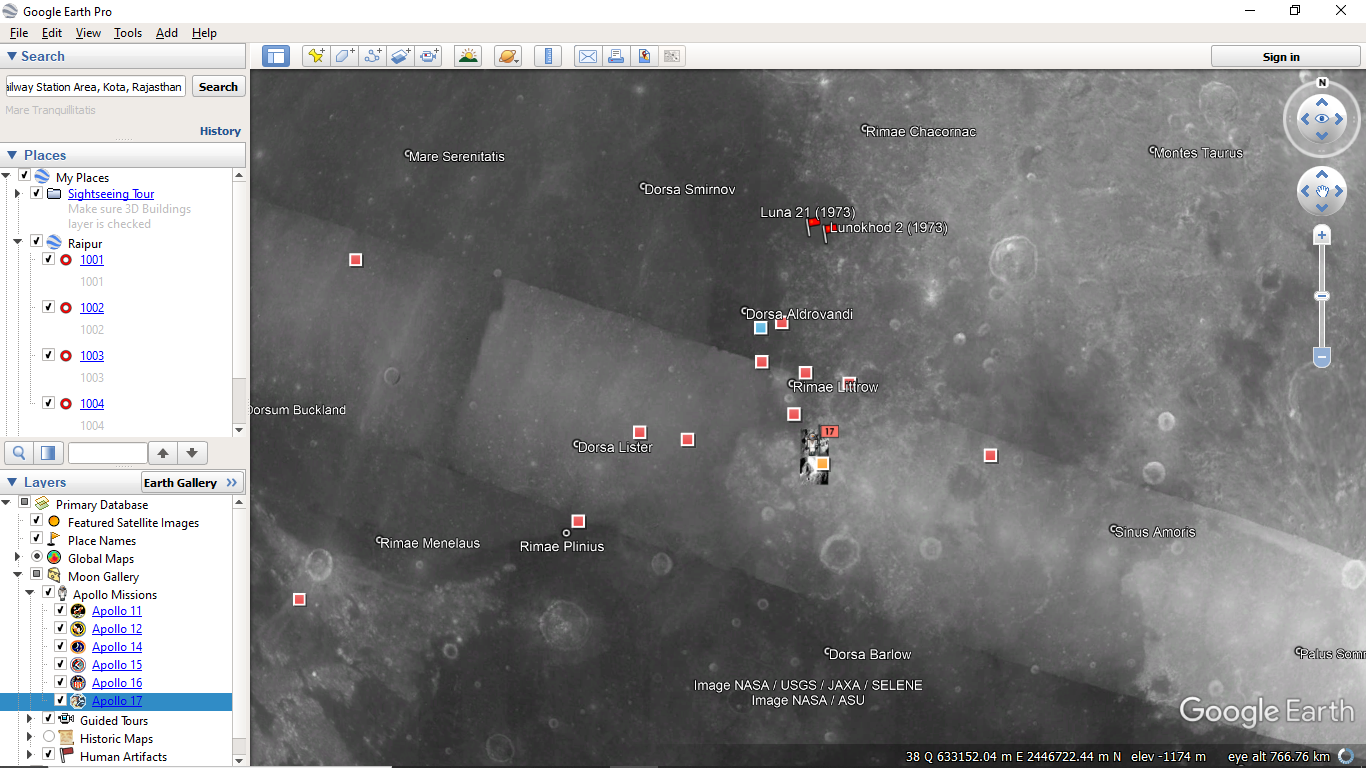
You can also get information about missions and landing sites on the Moon and Mars.
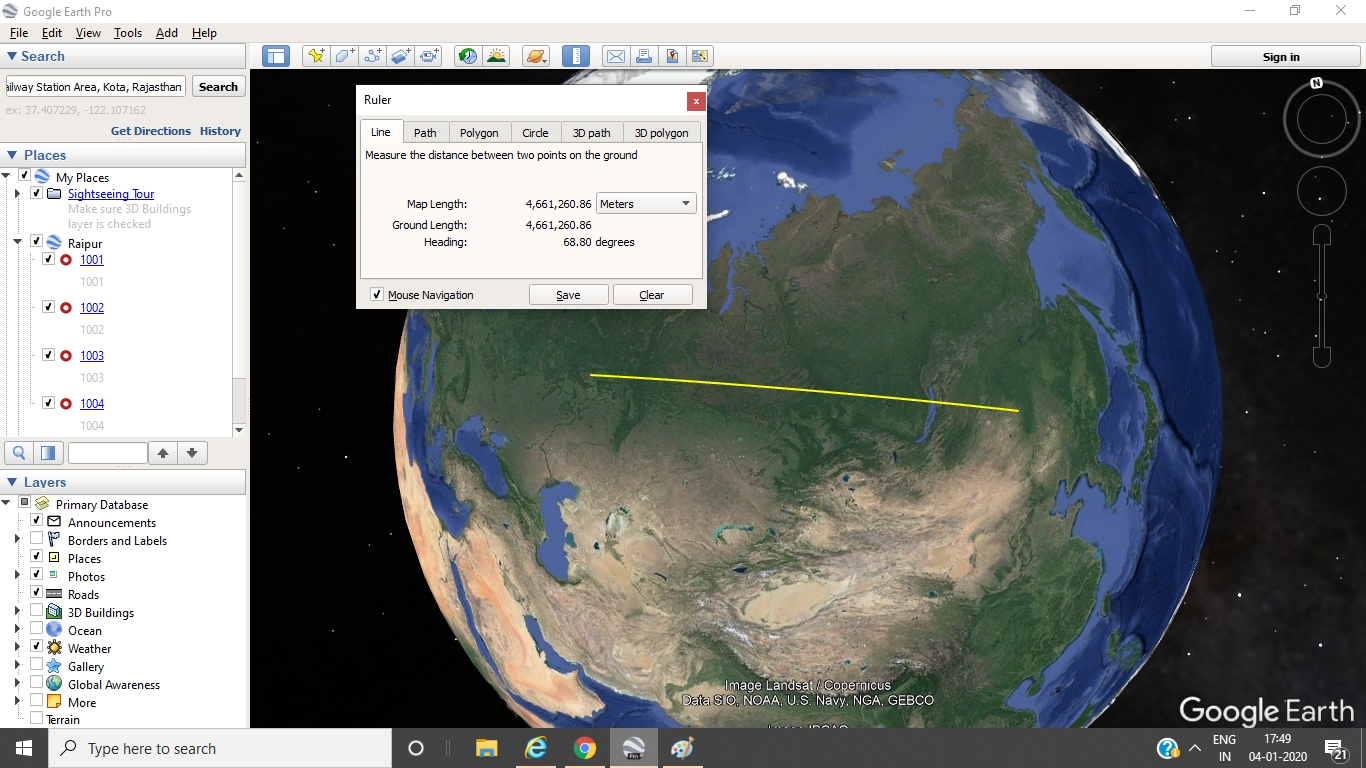
With the help of Ruler Option, one can calculate the desired unit (KM, Mtr, Miles, Feet etc.) of any country, city, or other.
Last seen in Google Maps. This option can also see Google Earth image in Google Maps.
You can download Google Earth for free from https://www.google.com/intl/en_in/earth/versions/#earth-pro
I hope you liked this information.
If you need more information, please write in to the comment box.
 Survey World